Transcribe!
Desktop tool for learning and transcribing music by ear.
About
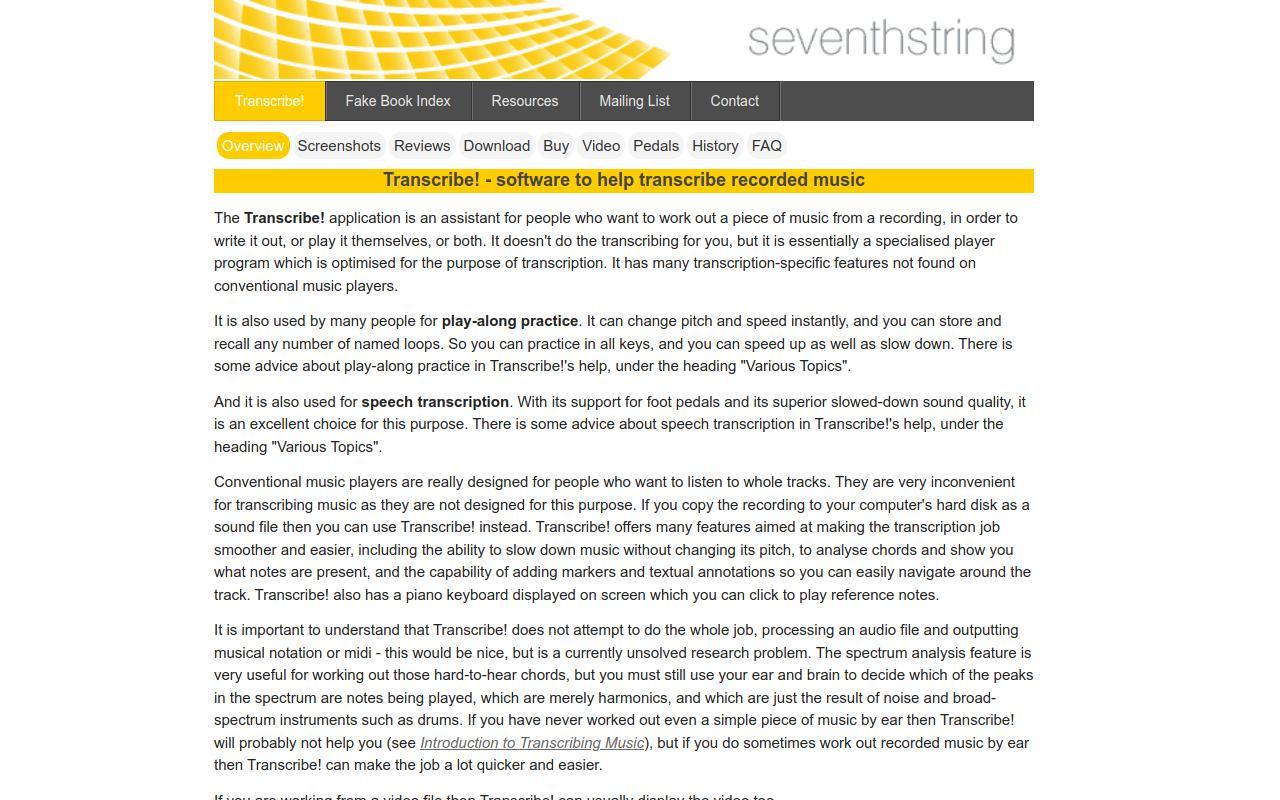
Transcribe! is desktop software that assists people in working out a piece of music from a recording by ear, in order to notate it or play it themselves. It is not an automatic transcriber; instead it is a specialized player optimized for transcription, and it is also widely used for play-along practice and speech transcription. It displays audio as a scrollable waveform where users place and label markers for sections, measures, and beats, then play or loop instantly from any point; named loops and positions can be stored and recalled. Real-time effects include slowing playback from one-twentieth up to double speed without changing pitch, pitch and tuning adjustment in cents, transposition, EQ filtering, and a mono/karaoke mode that can reduce centered vocals. A spectrum analysis feature graphs the pitches present in a selected chord, and the program can perform note and chord guessing (including chord names) with a piano-roll view. It reads many audio file types and CDs, can record from analog sources, display video for most video files, and supports configurable keyboard shortcuts, foot pedals, and scripting/automation. Transcribe! is aimed at musicians who transcribe by ear, along with practicers and transcribers of speech. It runs on Windows, Mac, and Linux, and uses a one-time paid license with a 30-day free trial.