
Noteflight vs Sibelius
Both are notation apps. Noteflight online music notation editor for creating and sharing scores; Sibelius music notation software for writing and publishing scores. Here is how they compare on the things that decide it.
About Noteflight
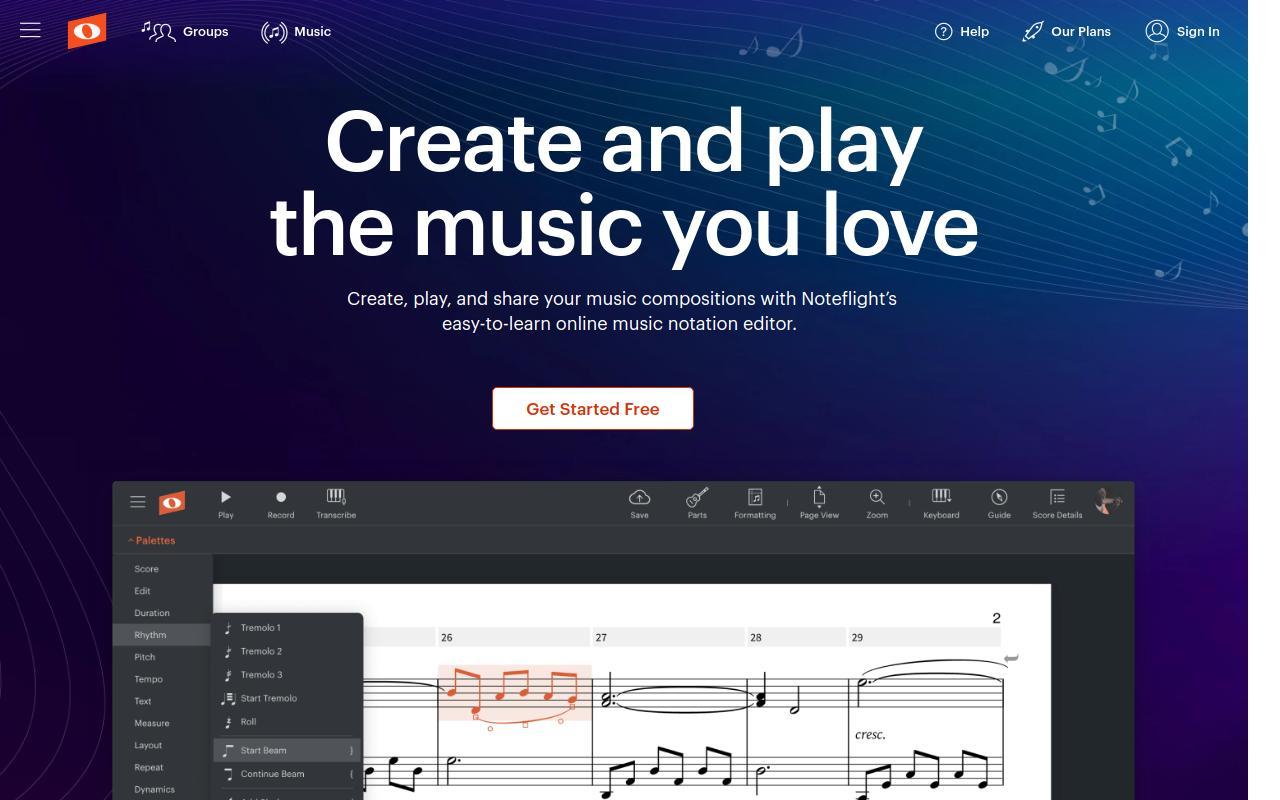
Noteflight is a browser-based, cloud music notation application for creating, playing back, printing, sharing, and selling sheet music. Because it runs entirely online, scores are accessible across devices without installing software, and it connects users to a large community of musicians and a marketplace of digital sheet music. Noteflight lets users compose and edit notation in the browser with playback, and import and export MusicXML and MIDI files. Sharing controls let you grant view-only, comment, or edit access to individuals, groups, or the wider community. Premium features include unlimited scores, a library of more than 85 high-quality recorded instrument sounds, recording live audio into scores, real-time transcription by playing a connected MIDI device, an audio mixing panel, score fonts, templates, advanced notation options (coloring and hiding notes, symbols, and staves), Perform Mode for full-screen viewing with page turns, and SoundCheck performance assessment. Its marketplace offers tens of thousands of editable, transposable titles, and the platform integrates with Google Classroom for teaching. Noteflight is aimed at students, teachers, composers, and arrangers, and works on any device with a web browser. Its pricing is freemium: a free Basic tier with a limited number of scores, a Premium subscription (monthly, annual, or lifetime) for advanced features, and a separate Learn plan for schools.
About Sibelius
Sibelius is Avid's music notation software for composing, arranging, editing, printing, publishing, and sharing scores. Long established as an industry-standard tool in areas such as film scoring, orchestral publishing, and music education, it is offered in multiple editions to suit different needs. Sibelius provides note input and editing, playback through bundled sounds, and engraving and layout tools, with capabilities scaling by edition. The free Sibelius First is limited to a small number of staves for newcomers, Sibelius Artist increases the staff limit and toolset for hobbyists and aspiring composers, and Sibelius Ultimate adds unlimited staves, full engraving and layout control, advanced articulations, cross-staff notation, condensed scores, video sync with timecode, a large professional sound library, and an educational worksheet creator. It includes Sibelius Cloud Sharing for sharing scores online, supports MIDI copy/paste with Pro Tools, and offers optional add-ons for audio transcription and music scanning. Sibelius targets composers, arrangers, publishers, educators, and students from beginner to professional level. It runs on Windows and macOS desktops plus mobile apps for iPhone/iPad, Android, and Chromebook. Its pricing model is freemium and subscription-based: a free entry tier alongside paid Artist and Ultimate editions available as subscriptions or perpetual licenses, with academic discounts.