The best tools for music students in 2026 are not a phone full of music apps. A useful stack gives one tool responsibility for each recurring job: remember the work, keep pulse, check pitch, hold scores, train the ear, and hear the result. Practis is the best home base for continuity, while the rest of the stack should change with the instrument, device, and course.
A complete student stack has six jobs, not twelve apps
Start with the work that must survive from one practice session to the next. An assignment arrives, a student decides what to do, a metronome or tuner helps during the session, a score carries markings, and a recording or note preserves what happened. When every app creates its own timer, goals, folders, and statistics, that chain breaks into several small administrative systems.
The table below is the short answer. These are first picks, not mandatory purchases, and product details were checked against official pages on July 17, 2026. Practis, Takt, and Stimmung are made by our team; they lead their relevant jobs here with that relationship stated plainly.
| Job | First pick | Platform | Use it for | Good alternative |
|---|---|---|---|---|
| Practice memory | Practis (ours) | Web, iPhone, Android | Pieces, sessions, notes, scores, recordings, patterns | Paper log or Modacity |
| Pulse | Takt (ours) | Android | Clean click, tempo ramps, presets, internal-pulse work | Tempo or Soundbrenner |
| Pitch | Stimmung (ours) | Android | Tuning, drones, intervals, temperament comparison | TonalEnergy |
| Scores | Choose by workflow | All major platforms | Reading, marking, organizing, page turning, practice history | Practis Score, forScore, MobileSheets |
| Ear and theory | EarMaster | iPhone, Android, Chromebook, desktop | Sight-singing, rhythm, dictation, intervals, chords | musictheory.net for quick drills |
| Listen back | Phone recorder | Any phone | Fast, honest playback with no setup | Moises when stems or slowdown matter |
This division reflects how effective practice already works. In a study of 204 higher-music students, Hatfield, Halvari, and Lemyre examined a cycle of forethought, performance, and self-reflection. Their three-phase self-regulated learning model connected goal setting with self-observation, control, reflection, and perceived progress. The study did not test any app. Its useful implication here is smaller: tools should support the handoffs between planning, doing, and reviewing instead of creating six unrelated dashboards.
The student practice desk
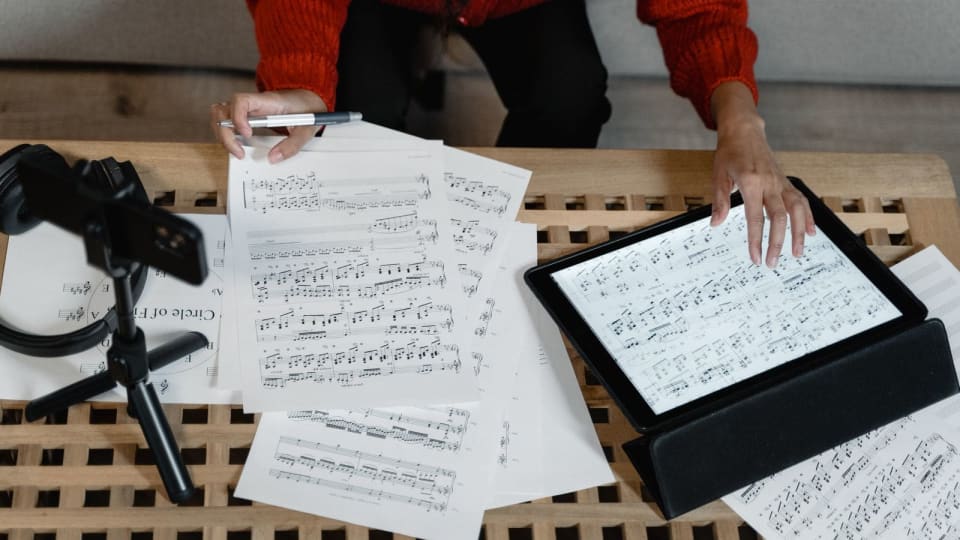
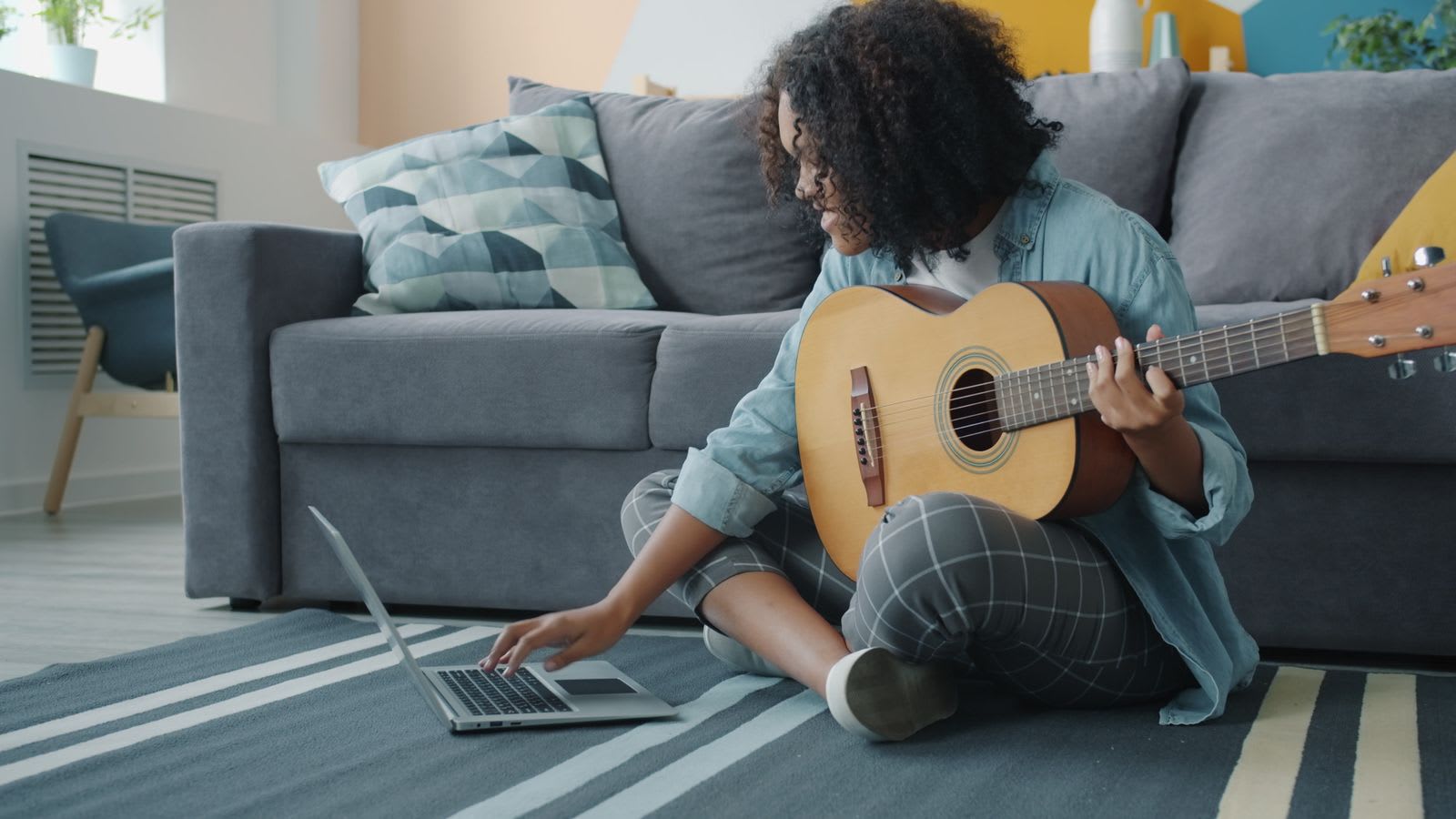
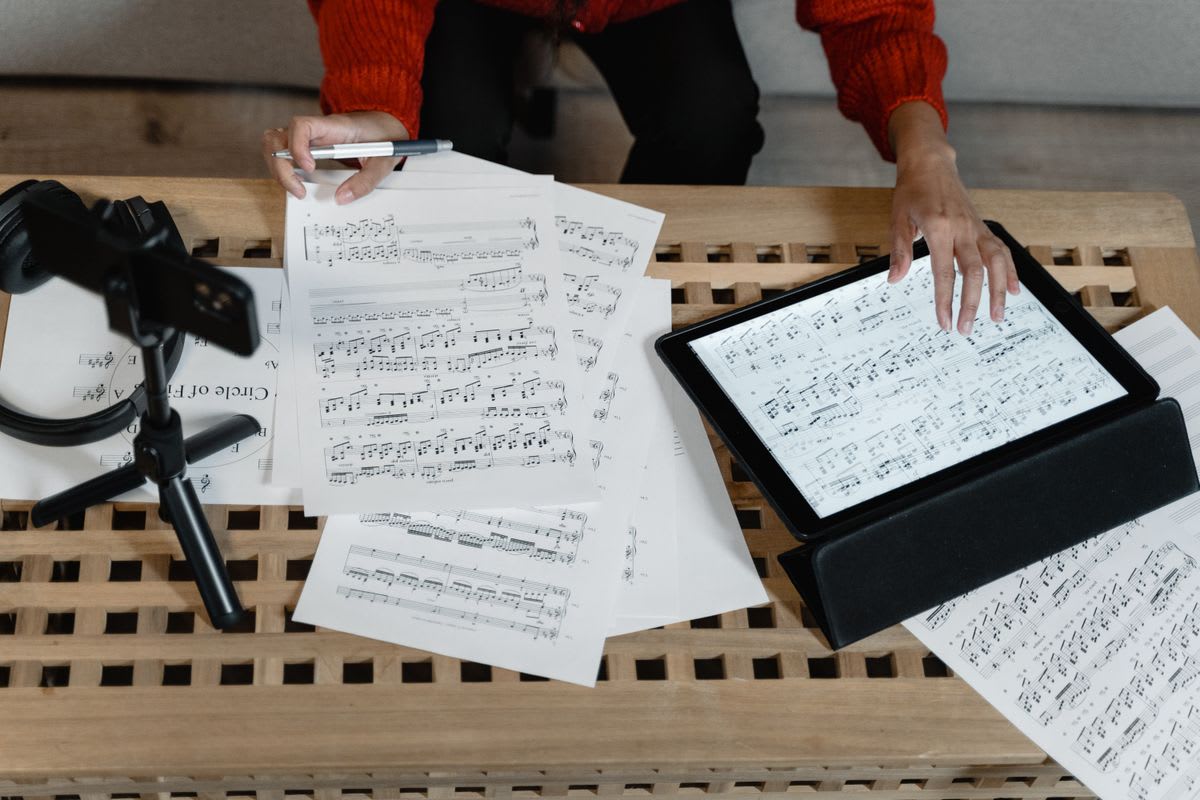
A complete stack should feel like one clear desk: every tool has a place, and none becomes the assignment.
"The complete stack is not the one with every feature. It is the one that leaves no important part of the work homeless."
The core stack: one owner for every job
Practice memory: Practis
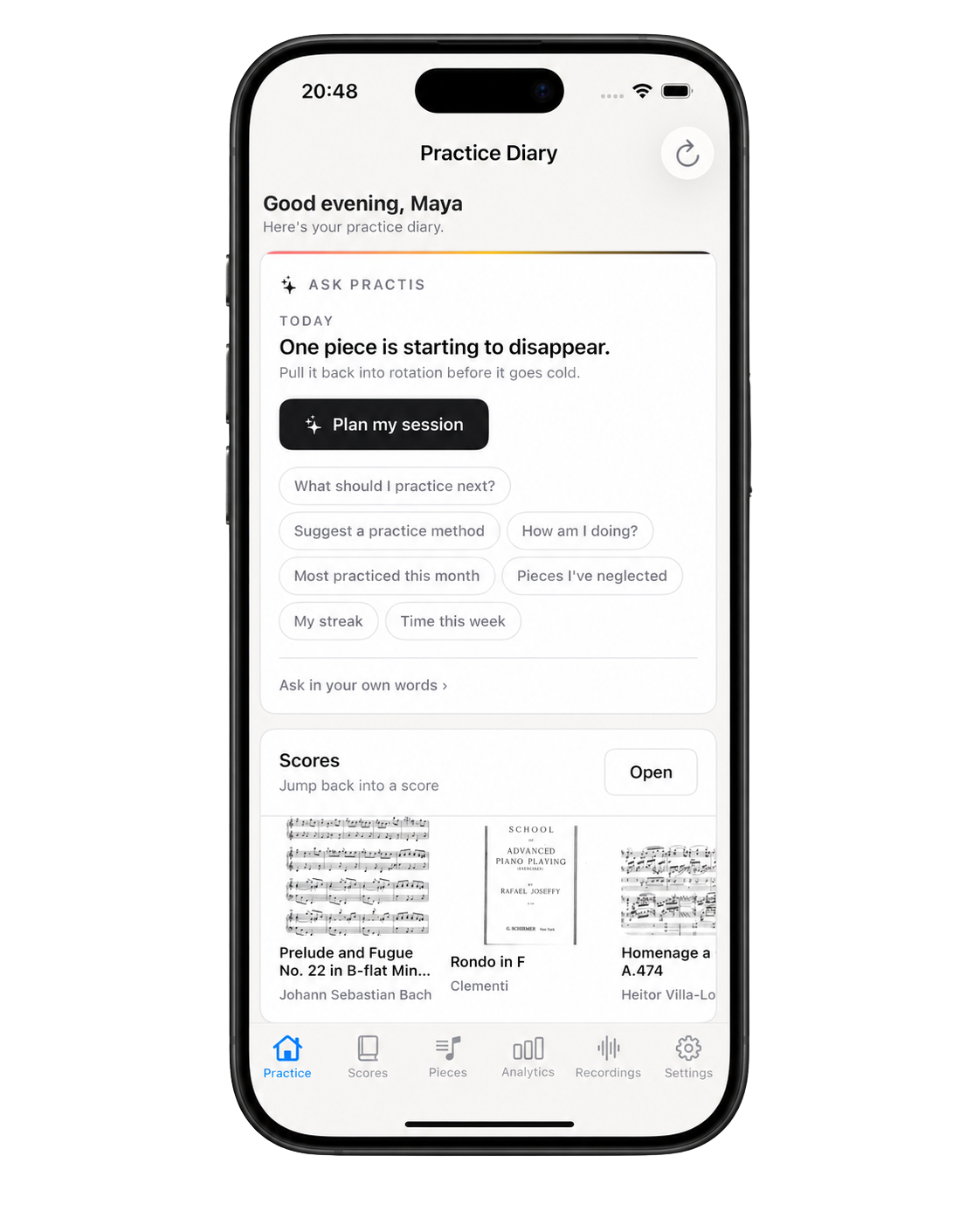
Practis is ours, and it leads this stack because a student needs one place that remembers the week. Pieces, practice sessions, plans, notes, recordings, goals, and score work refer to the same history instead of living in separate utility apps. It works on the web, iPhone, and Android, and it is free to start.
Practis does not supply a conservatory curriculum, grade a performance, or replace a teacher. Its job begins after the repertoire or assignment exists: keep the work visible, carry a useful note into tomorrow, and make weekly patterns easier to see. Students deciding between a timer, journal, course, and full practice workspace can use our practice-app comparison to separate those categories before adding anything.
Pulse: Takt on Android, Tempo or Soundbrenner elsewhere
Takt is our Android metronome. The basic controls stay calm, while tempo training, custom meters, subdivisions, per-beat accents, presets, polyrhythms, and Drift Mode are available when rhythm work becomes more specific. It is free to use, needs no account, and its Google Play listing states that it does not collect or share data; the current version contains ads.
Takt is not on iPhone. Apple students who want setlists and automatic tempo changes should consider Tempo; students who want one cross-platform metronome, tuner, and lightweight tracker can use Soundbrenner. The detailed tradeoffs, including internal-pulse trainers and live-click tools, are covered in our 2026 metronome comparison. For a general student stack, the rule is simpler: install one click and learn it well.
Pitch: Stimmung on Android, TonalEnergy for a larger lab
Stimmung is also ours and Android-only. It combines a cent-accurate chromatic tuner with a drone, interval comparison, custom concert pitch, instrument presets, and several historical and just-intonation temperaments. It works offline without an account, and its listing states that no data is collected or shared. That makes it especially useful for singers, string players, winds, brass, and students whose course is beginning to ask why two notes can register as "correct" yet still beat against each other.
TonalEnergy is the broader alternative when waveform, harmonic analysis, recording review, drones, tuning systems, and a full metronome belong in one practice lab. It is available on iOS and Android and goes considerably deeper than a quick pre-rehearsal tuner. Piano, percussion, and fixed-pitch students may not need a dedicated pitch app at all; keeping an unused tuner in the core stack does not make it more complete.


Scores: choose practice continuity, library depth, or Android flexibility
There is no honest universal winner for sheet music. Practis Score is the cross-platform choice when an owned PDF should connect to session time, notes, recordings, trouble spots, and page-level practice history. forScore is the stronger Apple choice for a large performance library, deep annotations, setlists, pedals, MIDI controls, backups, and stage work. MobileSheets is the mature Android and Windows choice, with multiple page modes, annotations, setlists, link points, pedals, face gestures, audio looping, and extensive library metadata.
Students who mostly read assigned PDFs should start with the app that fits their device and resist moving the whole library on day one. Import three active scores, mark one passage, test a page turn, and confirm the backup path. Our sheet-music app comparison goes deeper into forScore, Newzik, Piascore, MobileSheets, and practice-aware score work, but the student decision usually comes down to Apple performance depth, Android flexibility, or continuity with the practice record.
Ear and theory: EarMaster when the course needs structure
EarMaster earns the main slot because it can follow a student beyond isolated interval quizzes. Its current mobile product includes 4,000 lessons across ear training, sight-singing, rhythm, dictation, chords, and scales, with voice input, instant pitch detection, rhythm tapping, and compatibility with teacher assignments through EarMaster Cloud. It is free to download with a small selection of content; fuller courses and workshops use purchases or an all-access subscription.
That depth is unnecessary if the assignment is simply "learn bass-clef note names by Friday." For small notation and theory drills, musictheory.net exercises are fast, free in the browser, and customizable. The useful dividing line is transfer: if an exercise never returns to a score, a sung phrase, a rhythm, or a piece being studied, it is probably becoming its own hobby.
Listening back: the recorder already on the phone
The most underrated student tool is the built-in voice recorder. It opens quickly, keeps the original sound, and does not ask the student to choose stems, effects, mastering presets, or a sharing destination before listening. Record thirty to sixty seconds, put the instrument down, and listen once for the target that mattered: pulse, intonation, articulation, balance, or continuity.
Practis can keep useful clips with the related session when they need to survive longer than the camera roll. A separate field recorder or audio interface becomes worthwhile when tone quality must be judged closely, ensemble balance matters, or recordings are being submitted. Better audio is not automatically better feedback; a fast recording that gets reviewed beats a studio setup that stays in its case.
Match the stack to the instrument and device
A singer and a composition student should not finish with the same downloads. The singer needs pitch reference, recording, accompaniment, and perhaps sight-singing. The composition student needs notation, playback, score organization, and reliable file exchange. Device constraints are just as decisive: recommending an Apple-only score reader to an Android tablet owner is not a minor caveat.
| Student | Start with | Add next | Usually skip at first |
|---|---|---|---|
| Piano or keyboard | Practis + score reader + metronome | EarMaster or notation software | Dedicated tuner |
| Strings, winds, or brass | Practis + score reader + tuner/drone | Metronome and quick recorder | Stem separation unless repertoire uses recordings |
| Singer | Recorder + pitch/drone + score source | EarMaster and accompaniment tool | Performance-library features |
| Guitar, bass, or drums | Practis + metronome + recorder | Moises for stems and slowdown | Full PDF library if tabs or charts are simple |
| Composition or arranging | MuseScore Studio + recorder + file backup | MIDI keyboard and ear training | Practice analytics unrelated to the assignment |
An Android classical student could reasonably use Practis, Takt, Stimmung, and MobileSheets. An iPad student might keep Practis as the home base, forScore as the performance library, Tempo for pulse, and EarMaster only during an aural-skills course. A guitarist learning from commercial recordings may get more value from Practis, a basic tuner, and Moises than from any score reader. None of those stacks is incomplete; each covers the work that actually recurs.
Course requirements come first. If a department sends EarMaster assignments, uses a particular learning platform, or expects MusicXML files, compatibility is part of the assignment rather than a preference. Keep the institution's required system, then remove personal apps that merely duplicate it.
Add specialist tools only when the assignment demands them
MuseScore Studio is the first specialist addition for notation, composition, arranging, and theory coursework. The desktop software is free, open source, and available for Windows, macOS, and Linux. It supports MIDI input, playback, parts, and exchange through formats including MusicXML and MIDI. MuseScore Studio is the notation program; MuseScore.com is a separate score-sharing service, and students should not assume a subscription to one is required to write music in the other.
Moises belongs in a stack when the source material is a recording. Stem separation can mute or solo vocals, drums, bass, and other parts; Smart Metronome can add a click and change speed without changing pitch; pitch and transpose tools can move a song into a workable key. Those functions are excellent for pop, jazz, worship, audition, and transcription work. They are unnecessary for a student whose practice never begins with recorded tracks.
Hardware should pass the same test. A Bluetooth page-turn pedal earns its place when hands cannot leave the instrument and page turns interrupt real runs. A clip-on tuner is better than a phone in a noisy ensemble room. Wired headphones avoid Bluetooth latency when playing along. An external microphone matters when recording quality is part of the assessment, not because every weekly review deserves studio sound.
The least glamorous specialist tool is reliable storage. Keep original PDFs, notation files, assignment sheets, and submitted recordings in the school-approved cloud folder or a clearly backed-up local folder. A score reader is not automatically the only copy of a score, and a practice app should not become the only copy of assessed work.
"Install a specialist when the assignment creates a specialist job, not when a feature list creates curiosity."
Run the duplicate test before you pay
A student stack is finished when every recurring job has an owner and the handoffs are easy. It is overloaded when two or three apps compete to own the same score, timer, goal, or recording. Before starting a trial or subscription, use this five-part test:
- Name the weekly problem in one sentence. "I lose my teacher's instructions" is a real problem. "This dashboard looks motivating" is not yet one.
- Identify the current owner. If the phone recorder already makes review easy, a recording subscription needs to add a specific missing function.
- Test one real assignment. Import the actual score, build the actual tempo ramp, complete the assigned ear exercise, or separate the track you need this week.
- Check the exit. Find out whether scores, recordings, notes, and notation files can be exported or backed up before months of work collect inside the product.
- Remove the duplicate after seven days. If the new tool wins, retire the old one. Keeping both "just in case" is how a clean stack becomes another source of friction.
Tracking deserves the same restraint. A student who needs one sentence after practice may be better served by paper; someone coordinating several pieces, recordings, goals, and score sessions will benefit from a connected history. Our practice log apps and templates guide shows both approaches without assuming more software is always the mature choice.
Begin with the home base and the loudest current problem. Use Practis or a paper log to preserve continuity, then add one utility that changes this week's work: pulse, pitch, score handling, ear training, or playback. When that pair is used without thought, add the next tool. A stack built in that order stays small because every addition has already proved why it belongs.