Piano learning apps are not useless. That is not the problem.
The problem is that they are often judged by the wrong standard. People ask, “Can this app teach me songs?” or “Did it keep me motivated for two weeks?” The more important question is: what kind of pianist is this app training me to become?
I build music-practice apps, so I pay a lot of attention to product incentives. Once you do that, the current piano-app landscape becomes easier to read. Apps like Simply Piano, flowkey, Skoove, Yousician, MuseFlow, and ROLI Learn all solve a real beginner problem: they reduce friction. But they also create recurring blind spots that teachers see constantly.
Important note: product descriptions and feature claims below were checked on March 7, 2026 using official websites, support docs, and app-store pages. This is not an anti-tech rant. It is a practical guide to what these tools are actually good for, and where they predictably break down.
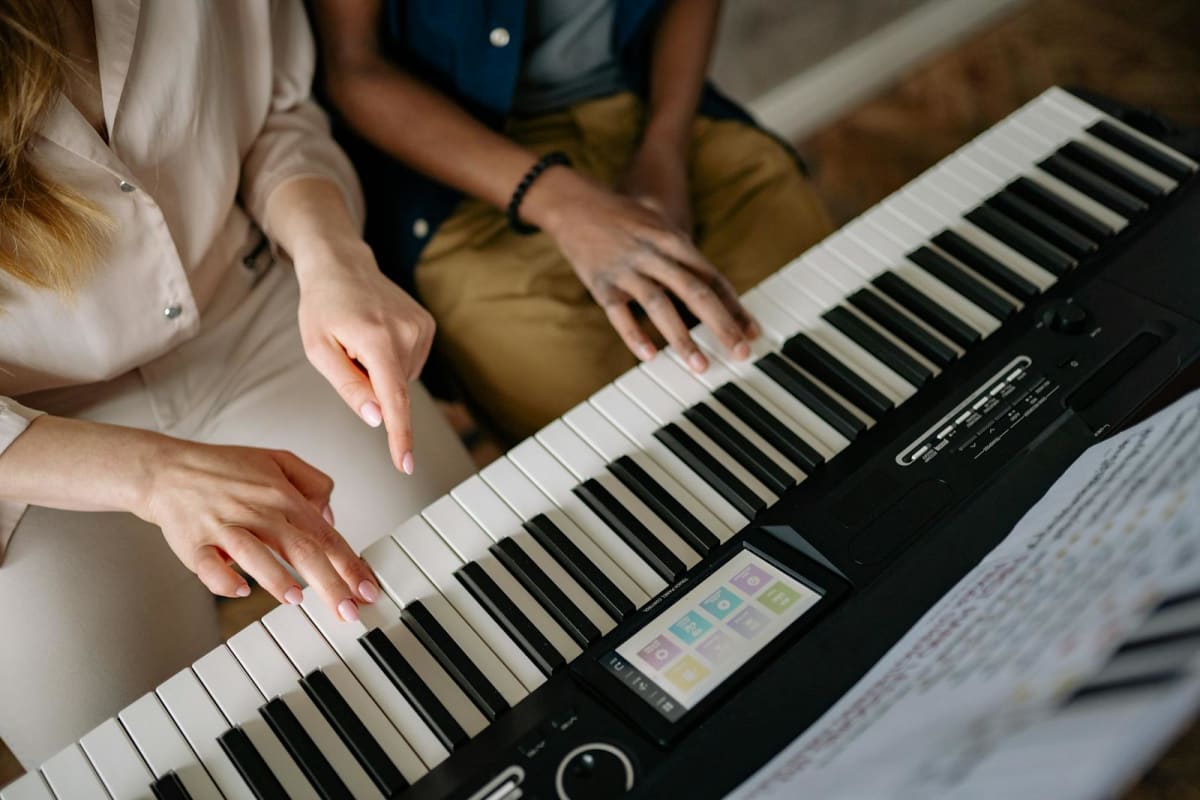
Photo: Yan Krukau via Pexels
The Short Version
| Question | Short answer |
|---|---|
| Are piano learning apps helpful? | Yes, especially for getting complete beginners to start and practice consistently. |
| Can they replace a strong teacher? | No. Their feedback is still much narrower than human diagnosis. |
| What do they usually teach well? | Basic note accuracy, onboarding, repetition, and beginner motivation. |
| What do they usually teach poorly? | Technique, sound quality, voicing, pedaling, interpretation, and self-correction. |
| What is the biggest risk? | Mistaking in-app success for broad musical progress. |
What Piano Apps Actually Do Well
The best argument for piano apps is simple: they help people begin. That matters. Most beginners do not fail because they lack information. They fail because the barrier to starting feels too high.
Current apps are genuinely good at lowering that barrier:
- Simply Piano emphasizes a step-by-step method, instant feedback, and even an on-screen virtual keyboard for practice away from the instrument.
- flowkey is still one of the clearest song-learning experiences, with Wait Mode, slow motion, looping, and side-by-side video plus notation.
- Skoove combines structured lessons, looping, tempo control, and microphone-based feedback with a large lesson library.
- Yousician leans into a game-like learning path, instant feedback, scores, and progression systems that keep people moving.
- MuseFlow stands out by pushing a sight-reading-first approach with fresh exercises rather than endless reuse of the same few songs.
- ROLI Learn, especially with AI Music Coach and Airwave, is the most ambitious current attempt to move beyond note detection into movement and technique feedback.
Those are real strengths. If someone has never practiced consistently before, an app can be a much better first step than waiting forever for the “perfect” setup.
The Core Problem: Most Apps Optimize for Compliance, Not Musicianship
Apps have product incentives. They need onboarding to feel smooth. They need progress to feel visible. They need users to feel successful quickly enough to keep subscribing.
That tends to produce a certain kind of pedagogy:
- play the right note at the right moment
- get rewarded quickly
- move on before frustration gets too high
- keep the experience flowing
That sounds reasonable, but it also creates the central distortion of most piano apps: they often reward task completion more than deep listening, technical refinement, or independent musical thinking.
1. Correct Notes Are Not the Same Thing as Good Playing
This is the biggest blind spot.
Most apps are much better at checking pitch and rough timing than they are at checking:
- hand position
- wrist freedom
- unnecessary tension
- tone quality
- balance between melody and accompaniment
- pedaling clarity
- articulation quality
A beginner can “pass” a lesson while still building habits that later become expensive to fix. This is exactly why AI and software feedback still have sharp limits in piano teaching. Even stronger systems like ROLI's hand-tracking setup are trying to infer a complex physical and musical process from a constrained input channel.
2. Apps Often Teach Following Better Than Problem Solving
Many apps are excellent at helping you follow along. That is not the same as teaching you how to solve musical problems by yourself.
If the app always tells you what comes next, where to click, what section to loop, and when you are “good enough,” you may improve at succeeding inside the app without becoming much better at independent practice.
That matters because real piano progress depends on skills like:
- spotting why a bar is failing
- slowing it down intelligently
- changing fingering when necessary
- isolating rhythm from notes
- listening critically to sound, not just accuracy
If you struggle with that kind of self-diagnosis already, read Why Am I Not Improving at Piano? and How to Record Yourself Practicing Piano. Those are the missing layers most apps do not teach well.
3. The Feedback Loop Is Usually Too Narrow
“Instant feedback” sounds impressive, but you have to ask: feedback on what?
For most apps, the answer is some combination of note correctness, rhythm alignment, completion, or hand assignment. That is useful, but narrow.
A strong teacher hears and sees more:
- why your repeated-note passage is tightening
- why your left hand is covering the melody
- why your thumb is collapsing
- why your slow practice is not actually controlled
- why the rhythm issue is really a fingering issue
That kind of diagnosis is still where human teaching pulls away.
4. Gamification Can Quietly Distort Your Priorities
Scores, streaks, badges, levels, and fast visible progression are not inherently bad. They help many users show up. The problem starts when the metric becomes the goal.
Once that happens, students start optimizing for:
- getting through the lesson
- keeping the streak alive
- hitting enough notes to pass
- feeling productive without listening deeply
That is one reason some app users feel strangely busy but still plateau. Their practice becomes highly engaged, but shallow.
5. Technique Is the Hardest Thing to Digitize
Technique is not just “where do I put finger 3?” It is coordination, weight transfer, release, rotation, timing of movement, and the relationship between body and sound.
That is why even the most interesting current app systems still only cover part of the picture:
| App | What it does well | Main limitation |
|---|---|---|
| Simply Piano | Extremely low-friction beginner onboarding and instant note-based feedback | Fast success can hide weak technique and over-reliance on guided flow |
| flowkey | Song-first learning with Wait Mode, video, notation, and flexible pacing | Better for following and repetition than for diagnosing physical causes |
| Skoove | Structured library, real-time feedback, tempo tools, and broad beginner appeal | Still limited in what it can say about sound, tension, and movement quality |
| Yousician | Motivation, scoring, and a clear lesson path that keeps users engaged | Game logic can pull attention toward points instead of sound and control |
| MuseFlow | Sight-reading-first design and fresh exercise generation | Narrower than full piano pedagogy and depends on a specific workflow |
| ROLI Learn + Airwave | The most serious current attempt at movement-aware feedback | Still hardware-dependent and not equivalent to an experienced teacher's diagnosis |
6. Apps Can Undertrain Reading, Ear, and Memory in Different Ways
Different apps create different imbalances.
- Song-first apps can make students dependent on visual following instead of stronger reading.
- Highly guided apps can reduce the need to hear harmony, phrase shape, and voicing independently.
- Note-detection systems can encourage “hit the target” behavior instead of hearing function and line.
- Some reading-focused tools improve decoding speed, but still do not solve touch, sound, or interpretation.
If you want a better foundation, combine any app use with deliberate sight-reading work and actual listening goals.
So Are Piano Learning Apps Bad?
No. They are just specialized tools, and most people ask them to do jobs they are not built to do.
Used well, they can help with:
- starting from zero
- maintaining consistency
- keeping practice approachable
- learning a few pieces at an accessible level
- making the first months less intimidating
Used badly, they can create the illusion of progress while key weaknesses stay untouched.
How to Use a Piano App Without Getting Stuck
- Treat the app as one tool, not your entire musical world.
- Record yourself weekly. App feedback is narrow; recordings expose much more.
- Add off-app practice. Slow work, rhythm isolation, sight reading, and listening still matter.
- Watch for physical tension. If your hands, wrist, or forearms feel wrong, do not trust the app to catch it.
- Use a teacher when possible. Even occasional lessons can prevent months of drift.
- Track what you are actually doing. A separate tracker like Pract.is helps because it measures real practice habits rather than only in-app completion.
The Honest Bottom Line
The biggest problem with piano learning apps is not that they are fake. It is that they are too easy to misunderstand.
They are strongest when they help beginners begin. They are weakest when people mistake guided compliance for broad pianistic development.
If your goal is “play some songs, stay motivated, and enjoy starting,” an app may be a very good fit. If your goal is strong technique, independent musicianship, and long-term artistic growth, an app is not enough by itself.
That is the real distinction.
FAQ
Are piano learning apps worth it?
Yes, often. They are worth it if you need help starting, staying consistent, or making early practice less intimidating. They are less worth it if you expect them to replace broad technical and musical diagnosis.
Can piano apps replace a real teacher?
No. They can support learning, but they still miss too much about movement quality, sound, tension, interpretation, and problem diagnosis. Even occasional lessons add things apps still cannot match well.
Which piano app is best?
That depends on what you need. Simply Piano is very strong for onboarding, flowkey is strong for song-first guided learning, Skoove balances structure and feedback well, Yousician is highly motivating, MuseFlow has a distinct sight-reading angle, and ROLI Learn is pushing further into movement-aware feedback than most competitors. None of them solves everything.
Why do some students plateau with piano apps?
Because the app may be rewarding note completion, streaks, or lesson progress while deeper issues stay untouched. Students can feel productive without solving technique, sound, reading, or independent practice problems.
What should I pair with a piano app?
The best combination is simple: regular recordings, some off-app slow practice, better self-review, and a teacher when possible. A separate practice tracker can also help you see whether you are actually improving your habits or just spending time inside the app.