
Best Metronome Apps for iPhone in 2026
The best iPhone metronome apps in 2026 depend on the job: setlists, Apple Watch support, gap-click training, polyrhythms, tuner tools, or simple daily practice.
Pract.is Editorial
Research-based practice guidance for musicians from the Pract.is editorial team.
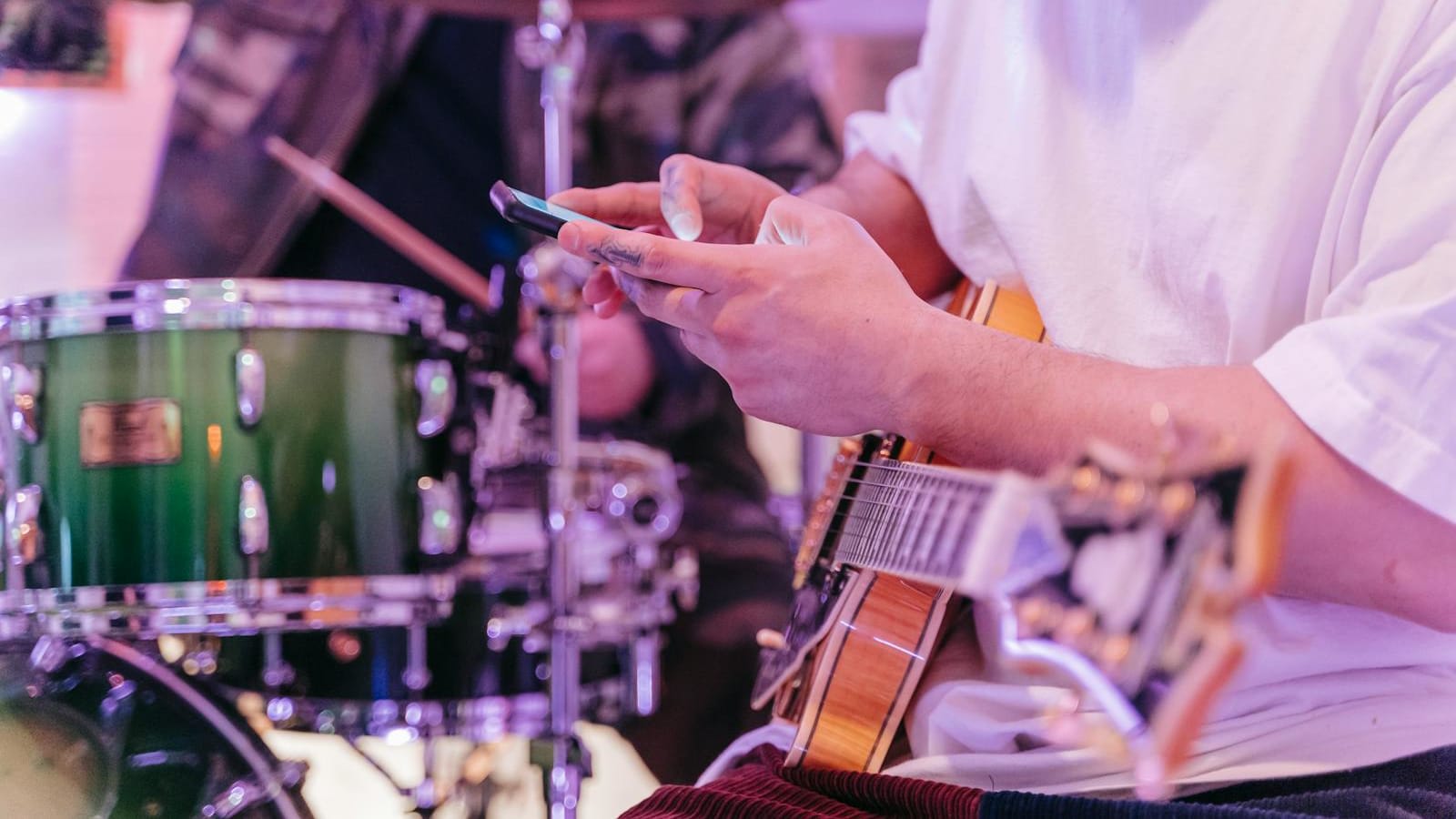
The best iPhone metronome app depends on what you want the click to do after it starts. A basic pulse is easy. The real differences appear when you need setlists, Apple Watch control, gap-click training, polyrhythms, tempo ramps, background audio, haptics, tuner tools, or a practice tracker that does not hijack the session.
This is the iPhone companion to our Android metronome guide, but the recommendations are not identical. iPhone users have stronger options for Apple Watch, iPad multitasking, AirTurn-style controls, haptics, and mature paid apps. This guide compares Tempo, Pro Metronome, Time Guru, TonalEnergy, Soundbrenner, PolyNome, Metronome Beats, and a few newer specialist options.
Checked May 17, 2026: features and pricing below are based on App Store listings, official product pages, and public support pages. Store ratings, subscriptions, and feature availability can change.
The iPhone metronome question is not just free vs paid
iPhone users have an unusually strong metronome category. That creates a different problem from Android: not scarcity, but overlap. Tempo, Pro Metronome, TonalEnergy, Soundbrenner, Time Guru, PolyNome, and Metronome Beats can all produce a usable click. The better question is which one fits the practice situation. A drummer working on polyrhythms does not need the same app as a pianist doing tempo ladders, a singer needing a tuner, or a teacher building setlists for students.
The iPhone also changes the hardware context. Apple Watch support can matter if the phone is on the piano or across the room. iPad support can matter if the same app is used beside a score reader. Background play matters if the player practices with PDFs, recordings, or lesson videos in another app. Haptic and flash modes matter in loud rehearsal rooms. Bluetooth/MIDI pedal support matters when hands are occupied. These platform details are not cosmetic. They decide whether the app survives real practice.
The safest way to choose is to start from the job. Do you need quick setlists? Choose a setlist-first app. Do you need internal time? Choose gap-click training. Do you need tuner, recording, and pitch tools too? Choose a serious utility. Do you need advanced rhythm programming? Choose a specialist. A metronome is only "best" when it solves the timing problem you actually have.
Choose by iPhone workflow
Setlists
Tempo or Soundbrenner
Internal time
Time Guru or PolyNome
All-in-one tools
TonalEnergy
Advanced rhythm
Pro Metronome, PolyNome, BackBeat
The short list for iPhone
The table below is a practical starting point, not a claim that one app wins every situation. iPhone has mature paid apps, serious training apps, and a few newer rhythm builders that are genuinely interesting. For most musicians, the first split is between everyday practice and specialist rhythm work. Everyday practice needs speed and reliability. Specialist rhythm work needs silent bars, polyrhythms, tempo programming, or deeper playlist logic.
| App | Best for | iPhone-specific strengths | Main caution |
|---|---|---|---|
| Tempo | Setlists and organized practice | 35 time signatures, multiple setlists, practice tracking, AirTurn/iRig/PageFlip control | Workflow-first, not the deepest rhythm lab |
| Pro Metronome | Feature-heavy rhythm control | iPhone/iPad/Apple Watch, haptics, MIDI/Bluetooth pedal, Ableton Link | Some important features are Pro-only |
| Time Guru | Gap-click and internal pulse | Random/pattern muting, meter sequences, gradual tempo changes | Narrower and less setlist-oriented |
| TonalEnergy | Metronome plus tuner/recorder | $5.99, 4.8 from 56K ratings, tuner, metronome, audio/video recording, Apple Watch remote | Too much app if you only need a click |
| Soundbrenner | Metronome, setlists, tracker, wearable ecosystem | Practice tracker, reminders, widgets, tuner, setlists, MIDI/Ableton Link | Subscription and account direction may annoy simple-metronome users |
| PolyNome | Serious rhythm programming | Presets, playlists, goals, song maps, gap click, audio export, deep training | Learning curve is real |
| Metronome Beats | Free familiar metronome | iPhone, iPad, Apple Watch, tempo trainer, presets, setlists, drum machine | Less elegant than the best paid iPhone specialists |
Best setlist workflow
Tempo
Best when the iPhone is a clean practice and rehearsal metronome with saved songs and external controls.
Best all-in-one utility
TonalEnergy
Best when tuner, drone, metronome, recorder, pitch analysis, and Apple Watch remote control all matter.
Best rhythm lab
PolyNome
Best for serious players who need presets, playlists, goals, song maps, gap click, and deep rhythm programming.
Tempo and Soundbrenner: best when setlists and rehearsal workflow matter
Tempo by Frozen Ape is the cleanest iPhone recommendation for musicians who value setlists and fast rehearsal use. The App Store listing describes 35 time signatures, multiple rhythm patterns, custom accents, tap tempo, tempo from 10 to 800 BPM, multiple visual modes, multiple setlists, search, copying between setlists, email sharing, practice tracking by time or bar count, Coach Mode with muted bars, voice count-in, automatic tempo adjustment, setlist looping, 14 sound sets, vibration mode, panned audio, background play, AirTurn, iRig BlueBoard, PageFlip, headphone remote support, and pitch pipe. That is a lot, but it is organized around real musician workflow.
Tempo is not trying to be the most experimental rhythm trainer. Its value is that it behaves like a mature iPhone tool for practice, lessons, and gigs. It is especially good for teachers who keep saved tempos for students, performers who move through sets, and players who want external control without fighting the screen. If the metronome is part of your rehearsal logistics, Tempo is hard to beat.
Soundbrenner is the other setlist-heavy option, but it has a different personality. The App Store and Soundbrenner pages emphasize metronome customization, 20+ sounds, setlist management, USB MIDI, Bluetooth MIDI, Ableton Link, practice tracking, goals, streaks, widgets, reminders, tuner functions, and wearable integration. The 2026 product page still positions it as a metronome, practice tracker, and tuner in one app.
The choice between Tempo and Soundbrenner is mostly about ecosystem. Choose Tempo if you want a mature iPhone metronome with setlists and external controls. Choose Soundbrenner if you also want practice tracking, tuner features, wearables, widgets, and a larger account-based ecosystem. Both are credible; they solve different levels of the problem.
Time Guru, Pro Metronome, and PolyNome: best for serious rhythm training
Time Guru remains one of the clearest tools for internal time. Its core idea is simple and musically powerful: the metronome periodically goes silent, randomly or in patterns, so the player can hear whether they rush, drag, or lose the bar. It also supports complex meter sequences and gradual tempo changes. That makes it less of an all-purpose setlist hub and more of a rhythm diagnostic tool.
This matters because constant clicking can create dependency. A player can sound stable only while the click is feeding every beat, then drift the moment it disappears. Time Guru tests that directly. If the goal is to build internal pulse, not just follow an external pulse, it belongs near the top. It pairs especially well with the methods in when to use a metronome and when it holds you back.
Pro Metronome is the bigger toolbox. The App Store listing describes an ad-free basic interface, dynamic time signatures, 13 time-keeping styles, counting voice, haptic feedback, accent levels, tap tempo, visual modes, background/power-saving modes, a claimed +/-20 microsecond precision using Real Time Playback technology, basic tuner, timer, iPhone/iPad support, Apple Watch support, Bluetooth/MIDI pedal support, Ableton Link, subdivisions, polyrhythms, programmable playlists, Rhythm Trainer, and Stage Mode. For musicians who want many rhythm controls in one place, it is a serious option.
PolyNome is the deepest rhythm-programming pick here. Its recent App Store notes describe presets, playlists, goals, song maps, gap click, audio export, track markup, lead sheets, a tempo jog wheel, bar flashing, and many workflow refinements. The app has a reputation for a learning curve, and that is believable because it is not designed as a tiny click. It is closer to a rhythm workstation.
Rhythm-training depth
Time Guru: gap-click focus
Pro Metronome: feature breadth
PolyNome: programmable complexity
TonalEnergy and Metronome Beats: best when the metronome is part of a broader toolset
TonalEnergy is still the best iPhone choice if the metronome needs to live beside tuning, drones, recording, pitch analysis, and ensemble tools. The App Store listing shows a $5.99 purchase, a 4.8 rating from 56K ratings, and support for iPhone, iPad, and Apple Watch. Its feature list includes C0-C8 pitch recognition, equal/just/custom temperaments, pitch reference, orchestral string and fretted-string tuning pages, eight-octave keyboard, chromatic wheel tone generator, harmonic and waveform analysis, a dedicated metronome page, Bluetooth input/output support, audio and video recording with editing, looping, timestretch, external microphone support, external video output, MIDI keyboard control, and VoiceOver support.
That is far beyond a normal metronome app. For singers, string players, winds, brass, guitarists, and teachers, that breadth can be exactly the point. TonalEnergy is not the app to choose if you want the cleanest possible click-only interface. It is the app to choose if you want one paid tool that can cover pitch, pulse, recording, reference tones, and rehearsal projection. The official TonalEnergy mobile page also notes iOS-only video recording and rehearsal display options, which can matter in classrooms and ensemble settings.
Metronome Beats is the familiar free option. Its App Store listing describes iPhone, iPad, and Apple Watch support, tap tempo, Tempo Trainer, background play, timers by bars, Italian tempo markings, accent control, visual beat indication, pitch-adjustable sounds, presets, songs, live setlists, polyrhythms, swing, and an integrated drum machine. It is not as elegant as Tempo or as serious as TonalEnergy, but it is useful and approachable.
The practical split is clear. Choose TonalEnergy when you want a musician utility suite. Choose Metronome Beats when you want a free, approachable metronome with enough features for everyday practice. Both can belong on an iPhone; they just do different jobs.
Newer iPhone rhythm apps worth watching
The iPhone metronome category is not frozen. BackBeat Rhythm Metronome is one of the more interesting newer entries because it is built around queues: rhythms, tempo changes, smooth tempo ramps, automatic speed builders, custom bars, and time signature changes. Its App Store listing positions it as an advanced metronome that is still meant to be intuitive. For players who practice songs with tempo changes or want to build training sequences quickly, that is a real angle.
Ghost Beat is another newer specialist to watch if internal timing is the target. The public App Store and developer discussions frame it around ghost bars, random mute behavior, challenges, routines, grading, and stats. That overlaps conceptually with Time Guru but adds more explicit training structure. The caution with newer apps is durability. A newer rhythm app can be excellent, but it should be tested for reliability, update cadence, and whether the workflow still feels good after the novelty fades.
True Metronome sits at the opposite end of the spectrum. Its official page presents a free metronome for iPhone, iPad, Mac, and Android with a realistic pendulum-style interface and Italian tempo markings. That is not the deepest training recommendation here, but it can be useful for players who want a simple visual metronome without a heavy practice platform. Sometimes that is the correct choice.
BackBeat
Watch if you need rhythm queues, tempo ramps, time-signature changes, and training sequences.
Ghost Beat
Watch if gap-click practice, grading, routines, and internal timing stats matter.
True Metronome
Watch if you want a simple, visual, free metronome without a dense training system.
Which iPhone metronome should you install first?
Install Tempo first if you want a mature iPhone metronome for songs, setlists, practice tracking, external controls, and rehearsal workflow. Install Time Guru first if you are trying to stop leaning on the click. Install Pro Metronome first if you want many rhythm controls, polyrhythms, haptics, Apple Watch, and stage/practice modes in one app. Install TonalEnergy first if you also need a tuner, recorder, drone, pitch analysis, and serious practice utility. Install PolyNome first if you are comfortable with complexity and want deep rhythm programming. Install Metronome Beats first if you want a free familiar option before paying for anything.
Then test the app the right way. Let it run in the background. Use it with another app open. Try Apple Watch control if you expect to use it. Save a few real piece tempos. Program one awkward rhythm. Practice with the click dense, then sparse, then off. The best iPhone metronome app is the one that makes time more secure without making the music smaller.
More on setup.
Silent Piano vs Digital: Is a Hybrid Piano Worth It?
Silent piano vs digital piano: compare action, headphone noise, upkeep, prices, and whether a hybrid earns its premium for shared-home practice.
Pract.is Editorial
61 vs 76 vs 88 Keys: Which Keyboard Size Is Right?
61 vs 76 vs 88 keys comes down to range, action, and space. Compare each size by repertoire, portability, and three current keyboard examples.
Pract.is Editorial

Best Keyboard Gig Bags and Cases in 2026: 61- and 88-Key Picks
Compare the best keyboard gig bags and cases for 61- and 88-key boards, with current prices, interior dimensions, case weights, and airline guidance.
Pract.is Editorial