
The Best Apps for Classical Musicians in 2026 (Beyond the Beginner Stuff)
Serious classical practice needs a different app stack from beginner lesson apps. These are the score, aural, tuning, recording, and analysis tools that actually hold up in 2026.
Pract.is Editorial
Research-based practice guidance for musicians from the Pract.is editorial team.
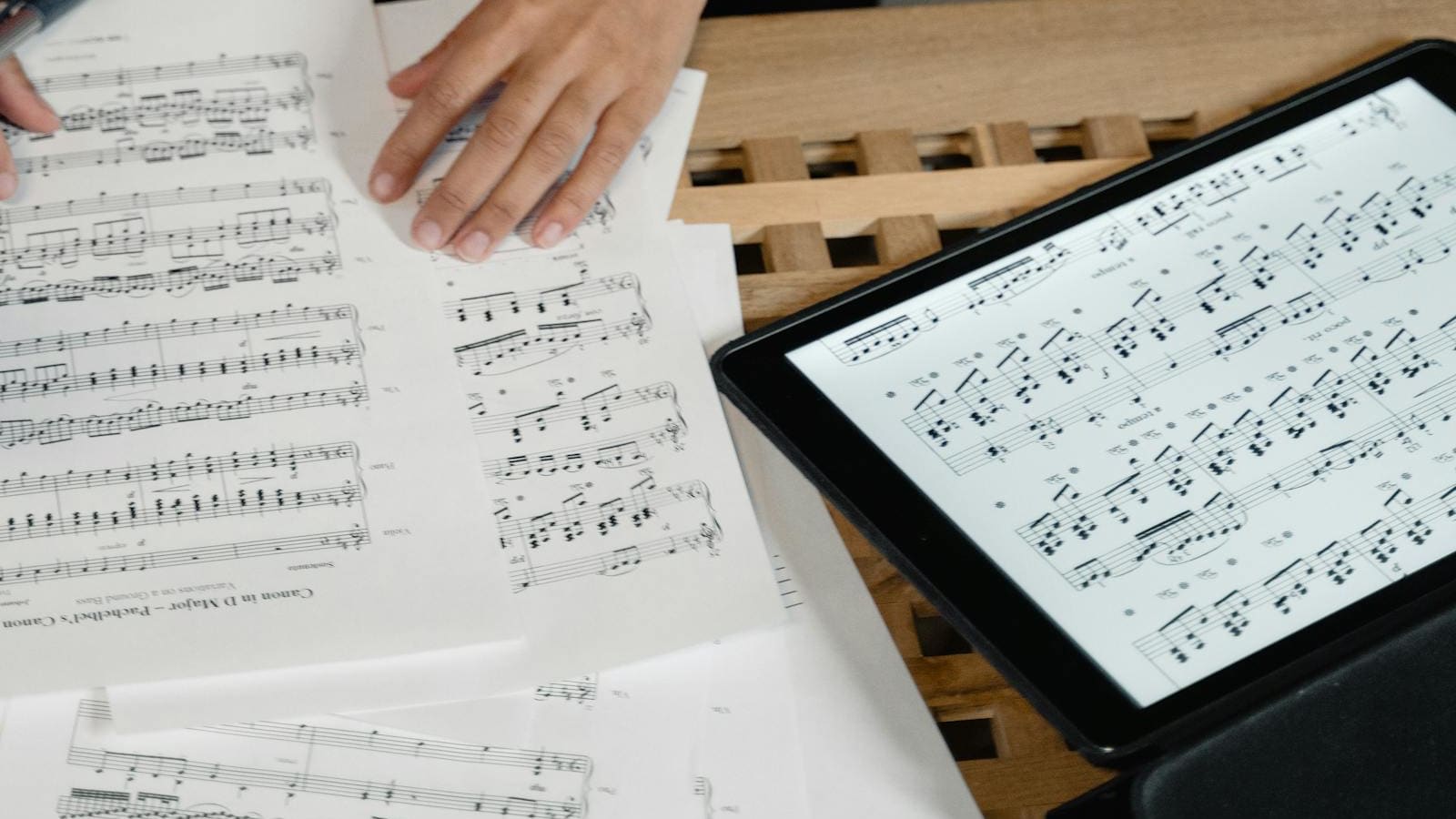
Classical musicians outgrow beginner music apps for the same reason they outgrow simplified arrangements: the bottleneck stops being motivation and starts being control. Once you are working with real scores, editions, aural tests, intonation, page turns, and practice review, the useful app stack changes. You need tools that help you manage materials, hear more accurately, and compare what actually happened - not another lesson tree that congratulates you for surviving bar eight.
The best apps for classical musicians in 2026 are not all trying to teach the instrument from scratch. They each handle a specific job inside serious practice: finding repertoire, marking scores, training the ear, stabilizing time and pitch, and reviewing performances without guesswork. That is a different workflow from the one described in our broader intermediate-practice tools guide, because classical players usually care more about edition quality, notation control, and analysis than about gamified progress.
Best free score library
IMSLP
Still the default answer if you need sheer classical repertoire volume and do not want a paywall between you and public-domain scores.
Best score workspace on iPad
forScore
Still the cleanest digital score desk for annotations, setlists, jumps, linked audio, and fast part management in the Apple ecosystem.
Best serious ear-training app
EarMaster
The deepest aural-training option here if you need rhythm, sight-singing, ABRSM-style aural work, and cross-device study.
Best pitch and pulse utility
TonalEnergy
One of the rare apps that still earns space on serious musicians' phones because the tuner, metronome, analysis, and recording tools are all genuinely useful.
For classical musicians, the stack starts with repertoire access and edition quality
Classical players need a score library before they need almost anything else. Not just a place to store PDFs, but a way to find repertoire, compare editions, and build a practice desk that is bigger than whatever one app happens to license this month. IMSLP still owns the free end of that conversation. The current iOS listing says the app offers over 255,000 classical works and over 857,000 scores, which is still absurdly valuable for students, returners, accompanists, and anyone reading more repertoire than they can afford to buy in print.
Henle Library solves a different problem. The App Store listing and Henle's own feature pages position it as a serious Urtext environment rather than a free archive: you can buy the exact part or bundle you need, add your own annotations, superimpose alternative professional fingerings, jump between part and score at the same measure, read critical notes in place, use an integrated metronome, and record or play back inside the app. That makes it especially good for pianists, chamber players, and teachers who care less about raw volume and more about working inside clean, editorially trustworthy editions.
nkoda sits in the subscription lane. Its current features page emphasizes 100k+ high-quality editions on subscription, offline access, markup tools, unlimited uploads, foot-pedal support, and sync across devices. That can be excellent if you want breadth, licensed editions, and one modern workspace without building your own patchwork archive. But the economics are different from IMSLP and the ownership model is different from Henle, so the best choice depends on whether you want free volume, curated purchases, or ongoing subscription breadth.
| Library app | Best for | What it does well | Main tradeoff |
|---|---|---|---|
| IMSLP | Students, returners, broad repertoire reading | Massive public-domain library, fast access to scores, low cost of entry | Edition quality and scan quality vary a lot |
| Henle Library | Urtext-first players and teachers | Reliable editions, professional fingerings, part-score switching, annotations | You are buying into a narrower premium catalog |
| nkoda | Conservatory workflows and licensed breadth | Large subscription catalog, markup, offline use, uploads, pedal support | Subscription access is not the same as building a permanent owned library |
If you are mainly preparing graded material, this library layer also makes sight-reading practice easier to sustain, because the bottleneck stops being "where do I find something to read?" and becomes "which material is worth reading next?" That is a much better problem to have.
A serious classical app stack
1. Repertoire source
IMSLP, Henle Library, nkoda
2. Score workspace
forScore or MobileSheets
3. Ear and aural training
EarMaster or Functional Ear Trainer
4. Pulse and pitch control
TonalEnergy or Pro Metronome
5. Playback review
Phone camera, Soundslice, Transcribe!
The best score workspace is usually forScore on Apple, MobileSheets elsewhere
Library apps solve access, but they do not always solve day-to-day score handling. That is why many classical musicians end up needing a dedicated score workspace as well. forScore is still the default iPad answer because the product is mature and ruthlessly focused on what performers actually do with scores. The App Store listing still has it at $24.99, and the core feature set remains unusually practical: smart bookmarks, setlists, annotation layers, repeat buttons and links, linked tracks with loops and pitch adjustment, integrated tuner and metronome utilities, and fast metadata control.
That combination matters more in classical practice than beginner readers sometimes realize. One score may need alternate fingerings for one teacher, a different markup layer for rehearsal cuts, and bookmarks for repeated excerpts or orchestral entrances. forScore handles that kind of work without making it feel improvised. It is not a teaching app. It is a digital music stand that assumes the music itself is already serious.
MobileSheets is the stronger alternative if you want a more utility-heavy environment or broader cross-platform habits. The current App Store listing prices it at $15.99, and the feature list is dense: two-page and half-page turns, vertical scroll, face gestures, A/B audio looping, custom page ordering, smart buttons, link points, setlists, annotations, and deep metadata fields. The official positioning is less elegant than forScore but more expansive in pure logistics. If your practice life revolves around imported PDFs, rehearsal sets, custom page flows, and lots of library administration, that trade can be worth it.
The right split is fairly simple. If you live inside iPad and want the cleanest performer-facing experience, choose forScore. If you care more about cross-platform flexibility, dense library control, and configuration depth, choose MobileSheets. In both cases, the real win is that you stop treating scores as loose files and start treating them as a working system.
Choose forScore if...
- You use iPad, iPhone, or Mac
- You want fast, clean score handling with minimal friction
- You care about annotation layers, jumps, and linked playback
- You prefer a one-time purchase model
Choose MobileSheets if...
- You want more utility features and metadata control
- You need broader platform flexibility
- You use custom page order, vertical scroll, or face gestures
- You are comfortable with a more tool-like interface
For ear training and aural work, EarMaster is the complete option and Functional Ear Trainer is the focused one
Classical musicians who care about hearing, not just reading, need an aural layer that goes beyond random interval flashcards. EarMaster is still the deepest mainstream option in that category. The official mobile page describes 4,000 lessons for all skill levels, voice input with instant pitch detection, rhythm tapping, MIDI controller support on iOS, and compatibility with teacher assignments through EarMaster Cloud. More importantly for this audience, it also includes things like Aural Trainer for UK Grades and RCM Voice, which makes it unusually relevant for ABRSM and RCM candidates who need the app to map onto actual assessment categories rather than generic ear-gym exercises.
Pricing is also clearer than many music apps make it. EarMaster's purchase pages currently list a personal subscription at about $3.65 per month and a one-year all-access pass at $49.95. That is not the cheapest aural tool on the list, but it is one of the few that genuinely spans ear training, sight-singing, rhythm, and exam-specific content without feeling stitched together.
Functional Ear Trainer is better viewed as a focused supplement. The current App Store listing shows a free base app with a $19.99 Plus upgrade, and its real strength is scale-degree hearing and tonal function rather than giant course breadth. That makes it a very good second tool if you are already practicing harmony or transcription and want something lighter than EarMaster. It also pairs naturally with practical music-theory study, because it helps the ear hear function instead of just naming isolated distances.
If the question is "Which one should I actually start with?", the answer is usually EarMaster for structured study and Functional Ear Trainer for daily reinforcement. One is a course environment. The other is a tight functional-hearing drill tool. They are not really competing for the exact same job.

Photo: Yan Krukau via Pexels
TonalEnergy and Pro Metronome cover most of the pitch-and-time layer
For classical musicians, timing and pitch are not separate departments. Singers need reference and playback. String players need tuner sensitivity and drone logic. Pianists and accompanists need flexible click design without cartoonish beginner scaffolding. TonalEnergy stays near the top because it still behaves like a serious all-in-one practice utility instead of a disposable tuner. The current App Store listing prices it at $5.99 and highlights the exact reasons musicians keep it installed: advanced metronome functions, orchestral string and guitar tuning pages, pitch-analysis views, keyboard tools, and built-in audio or video recording.
That is why TonalEnergy belongs in the same conversation as a standalone tuner, a smarter metronome, and a light recording tool. It collapses three or four small utilities into one app that still feels built for musicians who notice details. If you want a deeper tuner-first breakdown, we already published a separate guide to the best tuning apps for classical musicians, singers, and string players, but TonalEnergy is still the simplest answer when one app needs to cover most of the territory.
Pro Metronome earns its place for a different reason. Its App Store listing still positions the free version as generous and the paid upgrade around the serious features classical players actually care about: subdivisions, polyrhythm settings, beat accents, and flexible beat-design options. The official site also emphasizes its Rhythm Trainer and low timing error. That makes it a better choice if your main need is rhythmic architecture rather than all-purpose pitch tools.
The split here is practical. Choose TonalEnergy when you want one compact pitch-and-time command center. Choose Pro Metronome when your main need is metrical design, subdivisions, and rhythmic training depth. Many classical players can justify keeping both, but most do not need to start there.
Recording and analysis matter more than most classical musicians admit
A serious classical app stack also needs a review layer. Plenty of players spend real money on scores and nothing on playback habits, which is backwards. The fastest way to hear unstable time, blurred voicing, intonation drift, or fake security is still to record yourself. That does not require a studio. In most cases the phone camera is enough, especially if the alternative is never listening back at all. The important part is the habit, not the hardware, which is the same point behind our guide to recording yourself without hating the experience.
Where apps help is after the capture. Soundslice is still one of the smartest practice-analysis tools available because it connects notation, looping, and playback instead of treating them as separate worlds. The official plans page still offers a real free tier and a Plus plan at $5 per month or $50 per year, with uploaded audio and video sync, print or export of created slices, scanned music import, slowdown without pitch change, saved loops, clips, and practice history. That is unusually valuable for classical musicians learning from recordings, testing tempo stability, or comparing what they intended against what the playback actually reveals.
Transcribe! remains useful too, especially if you work on desktop and care more about hearing detail in recordings than about a polished cloud workflow. Seventh String still sells it for $39, and the value proposition is still simple: slow difficult passages down, adjust pitch, loop tiny segments, and inspect what really happened. It is less relevant for readers who want a mobile-first experience. It is still very relevant for players who need close listening tools for masterclass recordings, accompaniment work, or difficult rhythmic passages.
The point is not that every classical musician needs a complicated analysis lab. The point is that practice improves faster when playback becomes normal. A library app and a metronome get you prepared to work. A review layer tells you whether the work actually transferred.
The right stack depends on whether you are a conservatory student, an exam candidate, or a serious returner
The mistake most recommendation posts make is pretending one stack fits every serious classical player. It does not. Conservatory students typically need breadth, fast score handling, licensed materials, and good rehearsal logistics. ABRSM and RCM candidates need an app stack that supports aural work, reading, structured repertoire prep, and consistent time or pitch drills. Serious returners often need the fewest apps, but they need the right ones: too many tools quickly become another form of procrastination.
Conservatory student
nkoda + forScore + TonalEnergy
Add IMSLP for breadth and Soundslice if recording comparison is part of your workflow. This stack is about scale, markup speed, and rehearsal utility.
ABRSM or RCM candidate
Henle or IMSLP + EarMaster + TonalEnergy
This stack supports repertoire access, aural preparation, and daily pitch-time control without spreading attention across too many platforms.
Serious returner
IMSLP + forScore or MobileSheets + phone recording
Add Functional Ear Trainer or TonalEnergy only when a clear bottleneck appears. The goal is a clean workflow, not a crowded home screen.
If there is one pattern across all three groups, it is this: the useful app stack is the one that removes friction around real musical work. Classical musicians do not need more simulated progress. They need better materials, clearer hearing, steadier pitch and time, and easier ways to inspect what they are actually doing. Once the apps serve those jobs, they stop being distractions and start acting like infrastructure.
More on setup.
Silent Piano vs Digital: Is a Hybrid Piano Worth It?
Silent piano vs digital piano: compare action, headphone noise, upkeep, prices, and whether a hybrid earns its premium for shared-home practice.
Pract.is Editorial
61 vs 76 vs 88 Keys: Which Keyboard Size Is Right?
61 vs 76 vs 88 keys comes down to range, action, and space. Compare each size by repertoire, portability, and three current keyboard examples.
Pract.is Editorial

Best Keyboard Gig Bags and Cases in 2026: 61- and 88-Key Picks
Compare the best keyboard gig bags and cases for 61- and 88-key boards, with current prices, interior dimensions, case weights, and airline guidance.
Pract.is Editorial