
Student Practice Log App for Music Schools: Buyer's Guide
A buyer guide for music schools choosing a student practice log app that teachers, families, and students will actually keep using.
Pract.is Editorial
Research-based practice guidance for musicians from the Pract.is editorial team.

A student practice log app for a music school has to solve a school problem, not just a teacher problem. One teacher can tolerate a quirky workaround if the student data is useful. A school cannot. Once several teachers, dozens of families, mixed ages, and uneven home routines are involved, the winning system is the one that makes practice visible without creating another administrative job.
That is the difference between a nice practice journal and a buying decision. A music school needs adoption, consistency, parent clarity, teacher review speed, and enough reporting to make better decisions. It does not necessarily need a full studio-management replacement on day one.
Buyer filter
A school buyer needs a different checklist than a private teacher
A private teacher usually chooses software around personal workflow. A school buyer has to choose around standardization. The app has to make sense for the careful teacher who writes detailed notes, the busy teacher who has ten minutes between lessons, the parent who only checks messages on Sunday night, and the student who will not write a paragraph after practicing. That is why feature-count comparisons often mislead school owners. A product with a long menu can still fail if the daily workflow is not simple enough for a mixed studio.
The first buying question is whether the school is trying to replace administration software or add a practice-accountability layer. Billing, scheduling, attendance, makeups, and invoices belong in one category. Home-practice visibility, repertoire progress, notes, and lesson-prep signals belong in another. Some platforms try to cover both. Others deliberately specialize. For many schools, the safest first move is to fix the practice gap without moving the entire business operation at the same time.
This is where the previous Pract.is guide to music practice tracking for teachers is useful background: it looks at the teacher-level problem. A school needs the same basic visibility, but with more pressure on onboarding, permissions, parent language, and consistency across staff.
| Buying question | Solo teacher answer | Music school answer |
|---|---|---|
| Who must adopt it? | Teacher and student | Admin, teachers, students, and families |
| What breaks first? | Student forgets to log | Teachers use it inconsistently |
| What data matters? | Individual lesson prep | Practice patterns across teachers and programs |
| What makes rollout safe? | A clear student habit | A shared school-wide routine |
The table is intentionally blunt. Schools do not fail because they picked an app with too few charts. They fail because nobody agreed what the app was supposed to replace, what teachers had to review, what students had to enter, and what parents were meant to see.
The student side decides whether the record is real
The student interface is the part of the purchase demo that deserves the most suspicion. Admin screens can look organized while the student workflow is too slow for real use. If a beginner has to choose from too many fields, type a long reflection, attach media, and mark assignments every night, the school will collect clean data for one week and scattered data after that. Real practice records are built from low-friction habits.
Research on self-regulated music practice supports this focus on the student's process, not just the teacher's record. McPherson, Osborne, Evans, and Miksza's music practice microanalysis protocol is organized around forethought, performance, and self-reflection. In plain school terms, that means a useful practice record should help students know what they are trying to do, what they actually did, and what they noticed afterward. Minutes alone are not enough.
That does not mean every child should write a reflective essay after practicing. For younger students, a useful log might be one assigned task, a short duration, and a simple "felt easy / felt stuck" marker. For teenagers, it may be better to let them write one note or upload a short recording when something is unclear. For advanced students, repertoire, tempo, section, and specific obstacles matter more. A school-wide app should support different depth levels without making the default entry feel heavy.
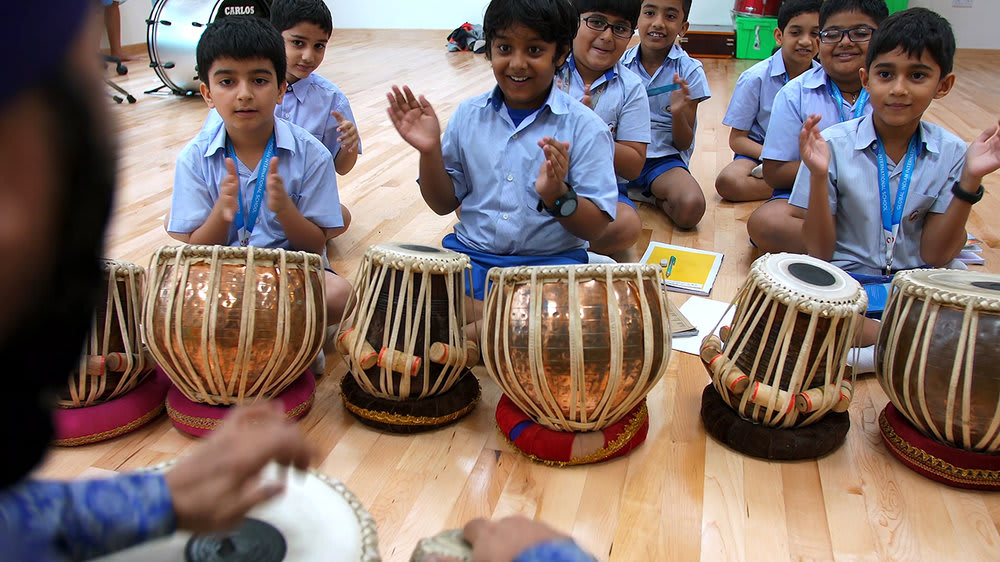
A school should test the student side before judging the reporting side. Put the app in a student's hand and ask them to log a real assignment in under one minute. Then ask a parent to find what was assigned. Then ask a teacher to review the entry before the next lesson. If those three actions are not obvious, the school is not looking at a practice system; it is looking at a training project.
Teacher visibility has to fit a five-minute prep window
Teachers do not need a beautiful dashboard if it takes fifteen minutes per student. They need a fast pre-lesson scan that says what was practiced, what was skipped, what the student marked as difficult, and whether there is a recording or note worth opening. This is the difference between data storage and lesson preparation. A school that buys a practice log app should treat the five-minute prep window as a product requirement.
Feedback research points in the same direction. McPherson, Blackwell, and Hattie's 2022 article on feedback in music performance teaching adapts the familiar "where am I going, how am I going, where to next" model to music teaching. A practice log is useful when it helps the teacher answer those questions faster. It should show enough of the student's week to make the next instruction sharper.
For a school, teacher visibility also has to be consistent across staff. If one teacher writes detailed assignments and another writes "practice page 12," the app will expose the difference immediately. That can be uncomfortable, but it is also valuable. It gives the school owner a chance to standardize assignment language, not by forcing identical teaching styles, but by creating a minimum practice-instruction standard.
"The best school dashboard is not the fullest one. It is the one a teacher can trust before the student sits down."
Structural visual
The school practice evidence path
The best apps make this path obvious. The teacher should not have to open five screens to understand whether a student ignored scales, repeated a problem passage, or left a question. A school can still use deeper reports for admin reviews, but the daily teacher view should be compact. If the app cannot make the next lesson easier, the rest is decoration.
Parent visibility should clarify, not create more messaging
Parents are part of the system even when they are not musical. They pay, schedule, drive, remind, and often judge whether lessons are "working" by what they can see at home. A student practice log app for music schools should give parents enough clarity to support practice without making them feel responsible for interpreting every technical detail. The parent view should answer simple questions: what was assigned, whether practice happened, where the student is stuck, and what the next lesson is trying to improve.
This is also where practice logs can go wrong. If parents receive raw minute totals with no context, they may pressure students to chase time rather than improve. If parents receive too many teacher notes, they may turn every practice session into supervision. If they receive nothing, the school loses one of the clearest ways to show value between invoices. The right parent layer is modest: visible assignments, simple follow-through, and occasional teacher-facing notes translated into plain language.
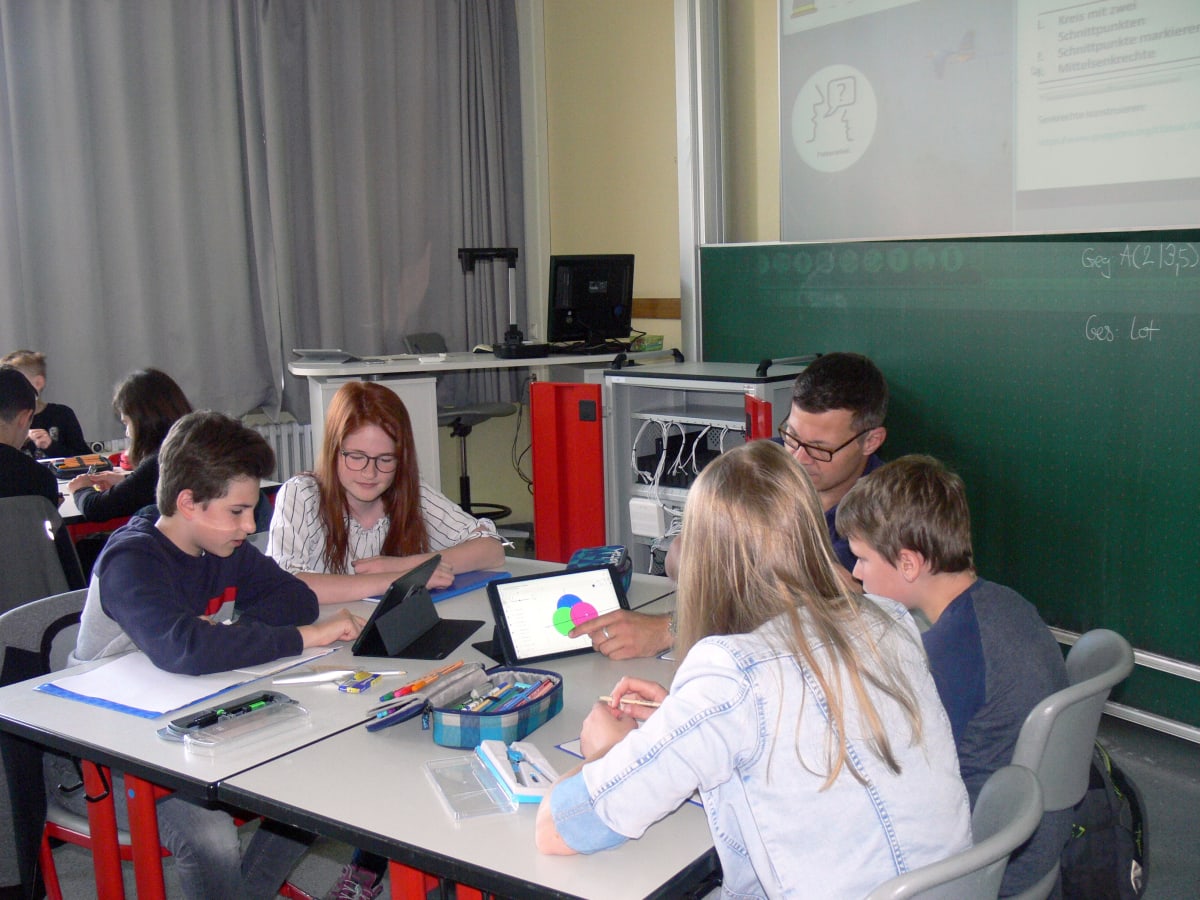
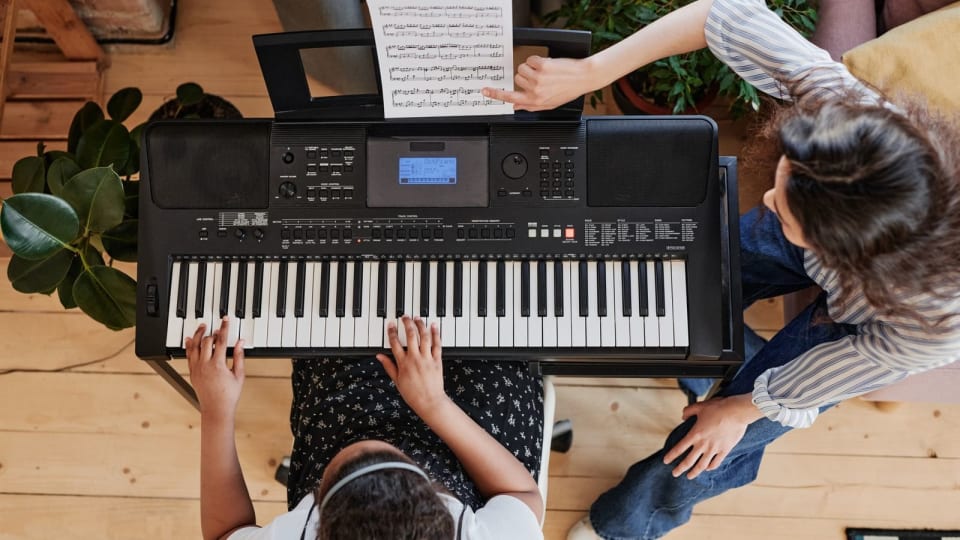
School software also has to survive ordinary classroom technology habits. The photo below is not a music app, which is exactly the point: a student-facing practice log should be as immediately legible as any classroom tablet workflow. If the student, teacher, or parent has to decode the interface before understanding the assignment, the app is already adding friction.
The Pract.is post on what to do when a student will not practice between lessons covers the motivation side. For school software, the parent layer should support that work without turning every missed log into a family conflict. Good data helps a teacher say, "This week's target was too broad; let's make it smaller," instead of "Your child did not practice enough."
Fit the app beside scheduling and billing before replacing everything
Many music schools already use scheduling, billing, attendance, or communication tools. That existing setup matters. A school choosing a practice log app should decide whether practice tracking must live inside the management system or whether it can sit beside it. The answer depends on school size, staff habits, and the severity of the practice problem.
Official product pages show the category split clearly. My Music Staff's Student Portal includes studio and lesson information along with a practice log where families can record time, notes, and questions. Duet's practice-log help page describes practice-time logging connected to teacher and student accounts. By contrast, platforms such as Tonara, Practice Space, and Better Practice put more emphasis on assignments, engagement, practice tracking, and between-lesson activity.
Those examples are not a ranking. They show why a buyer should separate the jobs. If the school mainly needs invoicing, attendance, makeups, and parent billing, a studio-management platform may be the anchor. If the school mainly needs students to practice with clearer guidance and teachers to see that work before lessons, a dedicated practice layer may be faster to adopt. Practis belongs in that second category: a focused way to turn student practice into logs, notes, repertoire movement, and weekly patterns without forcing a full back-office migration.
Category fit, not feature count
Best when the school needs billing, scheduling, attendance, makeups, and portal administration tied together.
Best when the school already runs operations elsewhere but lacks reliable between-lesson evidence.
Best when the main problem is student momentum, gamified participation, or studio-wide challenges.
Privacy and permissions also belong in this part of the demo. If the school serves children, ask where student data is stored, what parents can see, what teachers can see, whether recordings are optional, and how accounts are removed when students leave. In the United States, the FTC's COPPA guidance explains school consent issues for children's online services, while the U.S. Department of Education's student records and privacy FAQ points schools toward FERPA resources. This is not a reason to avoid software. It is a reason to ask the questions before rollout.
A seven-day pilot tells you more than a polished demo
The demo shows what the product can do. A pilot shows whether the school can live with it. The best pilot is small, specific, and deliberately boring. Choose three to five teachers, a cross-section of students, and one shared practice-log routine. Do not test every feature. Test the habit that must survive after launch.
A useful pilot should include at least one young student with parent support, one teen student who resists extra admin, one intermediate student with repertoire details, and one teacher who is not naturally enthusiastic about software. If the app only works for organized adults and tech-positive teachers, it is not ready for a whole school. A music school needs the middle of the bell curve to use it.
Seven-day pilot plan
There is research support for this kind of small, behavior-focused trial. Miksza, Blackwell, and Roseth's 2018 microanalysis intervention study was small - three undergraduate instrumental music education majors over 15 consecutive days - but its design is a useful reminder: practice improvement is easiest to study when the process is visible. A school pilot should do the same thing at operational level. Make the process visible before buying the system for everyone.
If the pilot works, write the school standard before expanding. Define what counts as a practice entry, when teachers review logs, what parents are expected to check, and how long the school will keep experimenting before deciding the system is official. If the pilot does not work, identify the failure honestly. Was the app too slow? Were assignments unclear? Did teachers ignore the data? Did parents misunderstand the goal? That answer is more useful than another sales call.
The best choice is the app your school can standardize
A music school does not need practice data for its own sake. It needs clearer lessons, stronger family confidence, better student follow-through, and fewer vague conversations about whether anything happened at home. The right student practice log app is the one that makes those outcomes easier without demanding a full administrative rebuild.
Use a final scorecard before committing. Give student friction double weight. Give teacher review speed double weight. Then score parent clarity, privacy, rollout time, and fit with existing tools. If a product is impressive but fails the first two categories, the school will end up with a polished dashboard full of weak data.
Final buyer scorecard
Student logging friction x2
Teacher pre-lesson scan x2
Parent clarity
Privacy and permissions
Rollout fit with current systems
For schools still comparing named tools, the broader roundup of student practice log apps for music schools and private studios gives more product-level context, and the piano-specific guide to apps for piano teachers to assign and track practice narrows the use case further. But the buying principle stays the same: choose the system that turns home practice into usable teaching evidence, then pilot it small enough that the truth shows up quickly.
More on teaching.
Tonara Alternatives for Teachers and Studios After the Shutdown
Tonara alternatives for teachers and studios, compared by assignments, practice logs, recordings, messaging, admin tools, pricing, and migration friction.
Pract.is Editorial
What to Charge for Piano Lessons in 2026 (Data + a Calculator Mindset)
Set sustainable piano lesson rates for 2026 using current benchmarks, real workload, collected hours, payment fees, and a practical rate-floor formula.
Pract.is Editorial
How to Start Teaching Piano Online in 2026 (From First Student to Full Studio)
Start teaching piano online with a clear offer, first-student plan, studio policy, lesson workflow, and growth system that stays manageable.
Pract.is Editorial